Product Description:
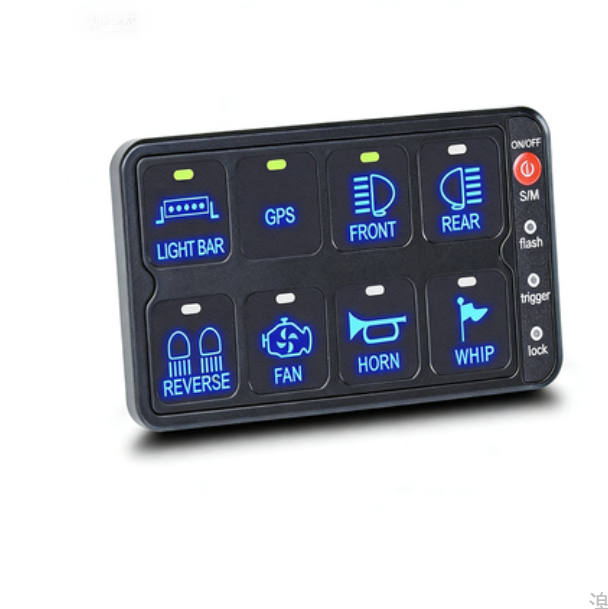
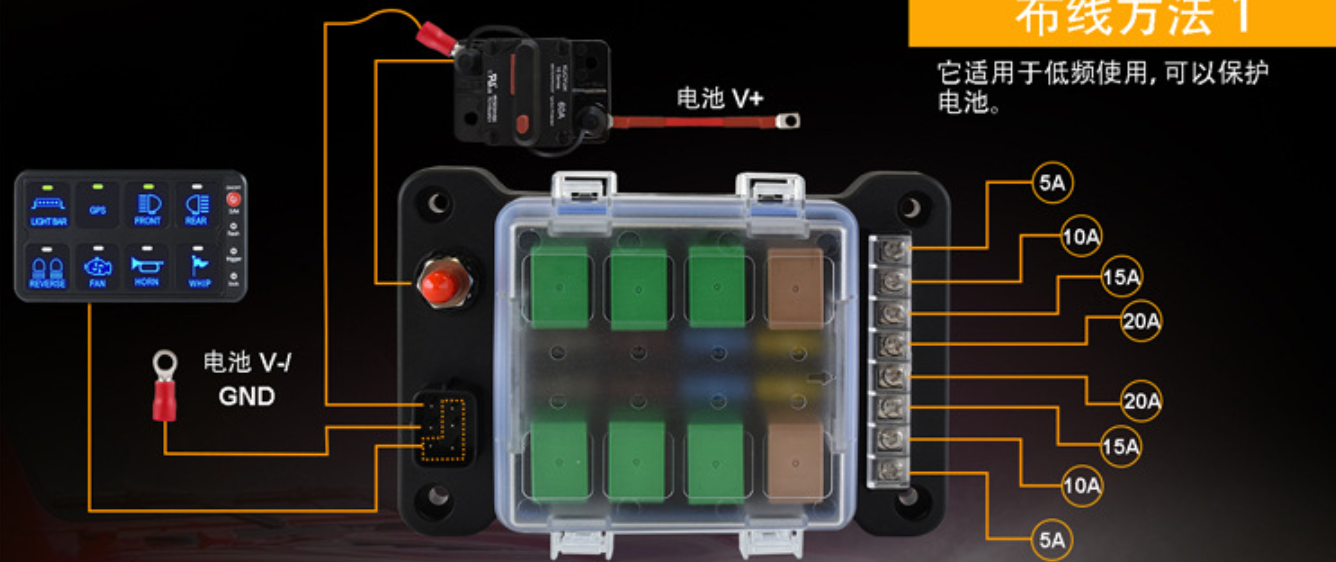
Productname:KB Series 8-bit Touchscreen Smart Controller laterial:Nickel-plated brass + fire-resistant plastic + silicone Product size:161.35*111.35*52mm, Installation size:139*89mm/5.47*3.5in Workingcurrent: MAX 60A Workingvoltage:DC12-24V Protection Level:IP65 Switch Parameters:DC12/20A DC24V/10A Work temperature:-30-70C Functionalmode:Switch mode, trigger mode, flash mode
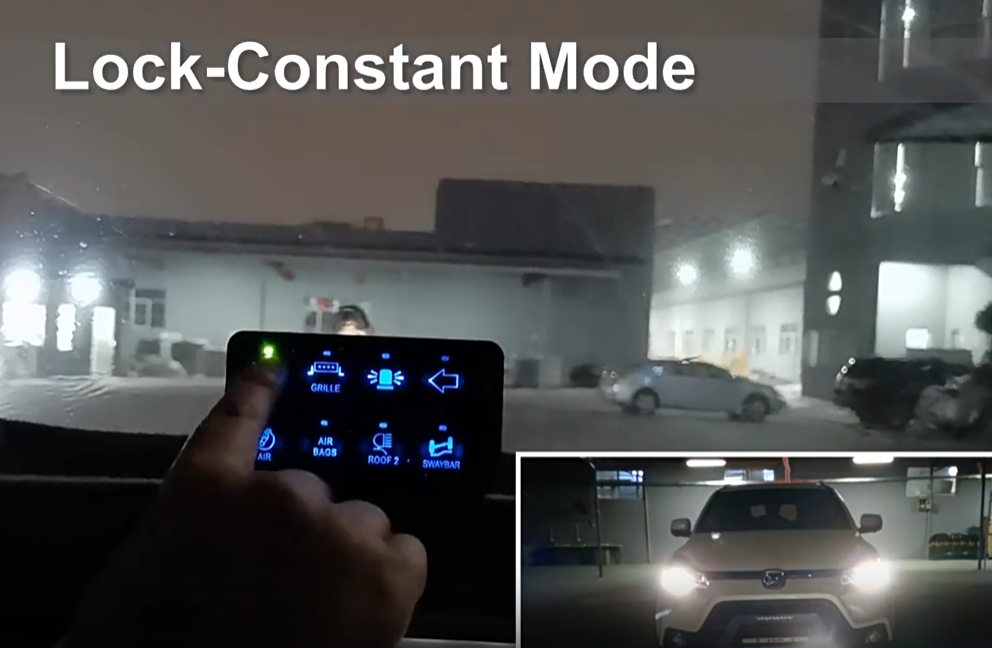
1. Long press the main switch for 2 seconds in standby mode to enter the setting mode. The system defaults to the lock mode (switch lock function: long press to turn on, short press to turn off)
Closed)
At this point, all backlight indicator lights will flash once. At this point, any switch can be set to this function, and short pressing the corresponding switch will switch to lock mode,
work
The indicator light is on; Short press to restore the original mode, and the work indicator light will turn off.
2. Short press the function key to enter trigger mode ((ON) - OFF, touch to turn on, release to turn off). At this time, all backlight cycles flash twice, and any switch can be set to this mode; Short press the corresponding switch to switch to trigger mode, and the work indicator light will turn on; Short press again to restore the original mode, and the work indicator light will turn off
Extinguish.
3. Short press the function key again to enter the flashing mode (ON - OFF, flashing mode), and all backlight cycles will flash three times. At this time, you can
Ren
Set the switch to this function, short press the corresponding switch to switch to flash mode, the work indicator light will turn on, and then short press to restore the original mode and work
instruction
The light goes out.